Available now
Download VoxBooster
The Windows installer is ready. Download below and start your 3-day free trial right after install — no card needed.
- Size
- ~85 MB
- Platform
- Windows 10 / 11 · x64
- Trial
- 3 days free, no credit card
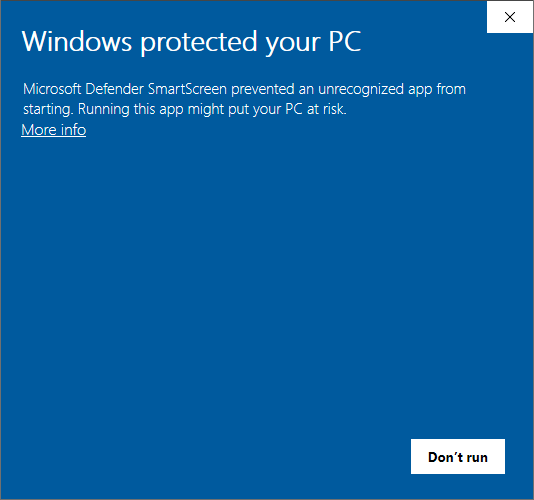
Seeing a Windows warning?
Windows SmartScreen may show a warning before the installer runs. The file is safe — here's how to continue:
- Click More info on the “Windows protected your PC” dialog.
- Then click Run anyway to start the installer.
First launch: sign in
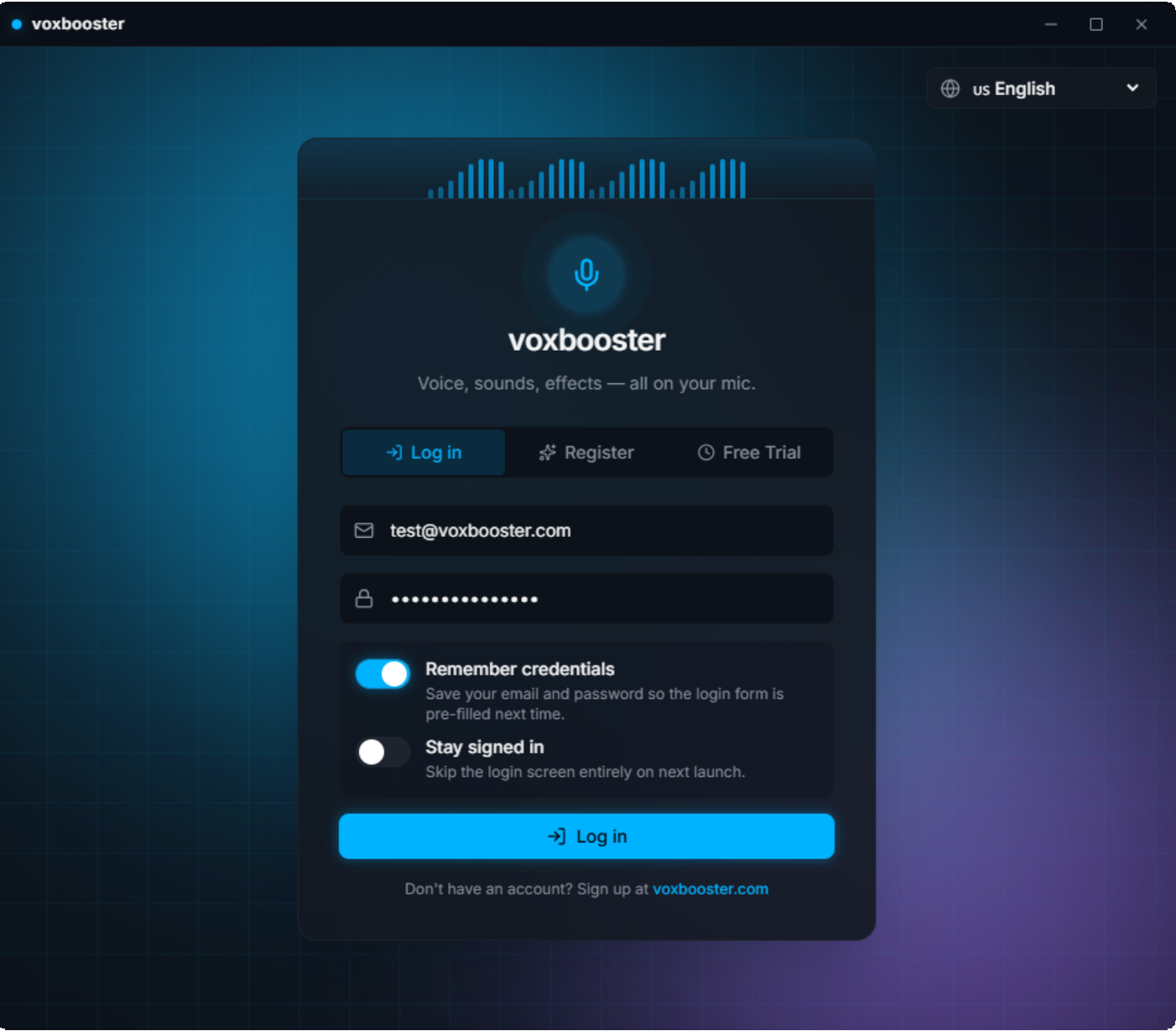
When the install finishes, VoxBooster opens on its sign-in screen. Log in to start using your voice tools:
- Open VoxBooster — it launches right after install, or use the desktop shortcut.
- Type your email and password, then click Log in. New here? Use the Register or Free Trial tab to create your account.